[ FREE FOR MAC + WINDOWS ]

Flash Warp

Warp, Gain and Pitch.
Without opening the clip.

A floating panel right over the clip in Ableton: one key for Warp, and F for Gain, Pitch and BPM. Ableton keeps focus.

Download for Mac ZIP / 3.4 MB Download for Windows ZIP / 48 MB

macOS 11+ / Windows 10 (1809)+ / 64-bit

Ableton Live 12 + Max 9

The download is for a computer, Mac or Windows. Open this page on your computer.
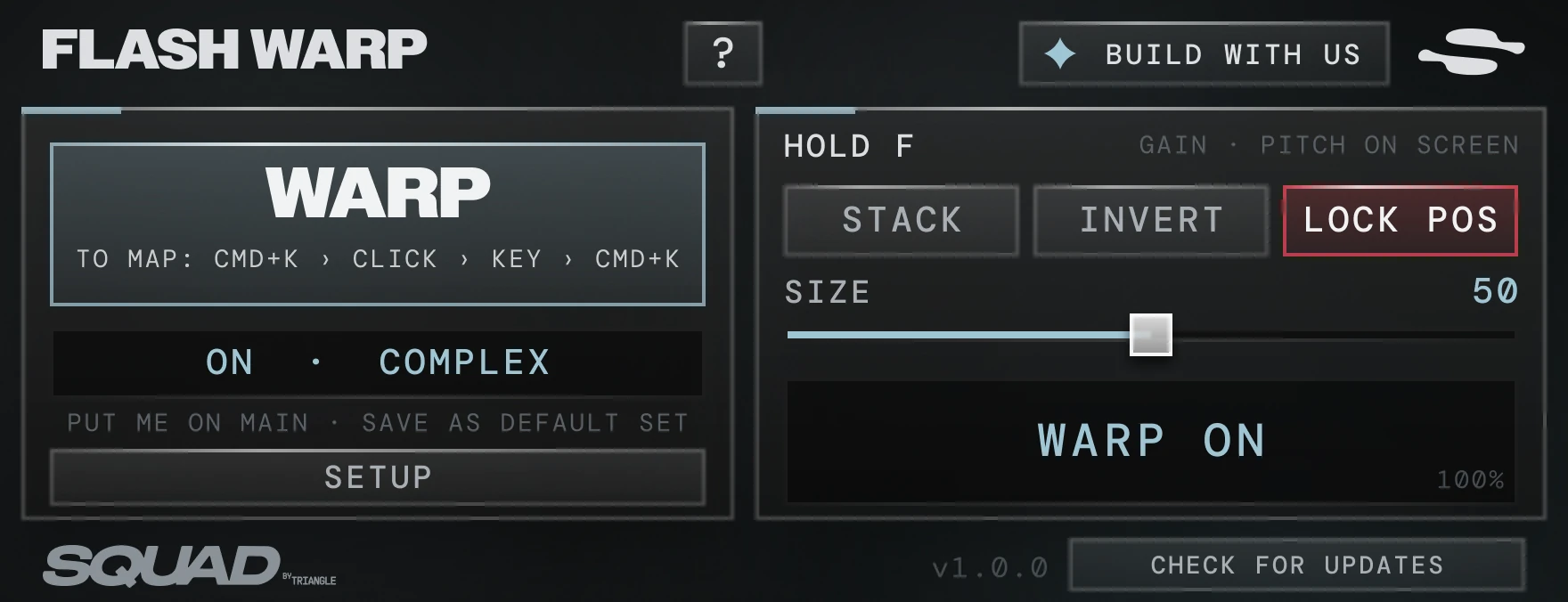
MAX FOR LIVE DEVICE
The FLASH WARP device as it looks in Ableton: WARP, HOLD F with STACK, INVERT and LOCK POS, the SIZE slider, BUILD WITH US and CHECK FOR UPDATES
FLASH WARP in Ableton: the GAIN and PITCH line above an audio clip

[ WHAT IT DOES ]

What it does

Screenshot from Ableton: holding F over an audio clip shows GAIN 0.40 dB and PITCH 0 st 0 ct · ORIGINAL 70.0 BPM above it

Click a clip, hold F

[ INSTALL ]

Get started

MAC

  1. 01Downloadand open the DMG inside the ZIP.
  2. 02Drag to ApplicationsFrom the window that opens.
  3. 03Open it onceand the device is in Ableton.

WINDOWS

  1. 01Downloadand run the Setup inside the ZIP.
  2. 02InstallA few clicks, and that is it.
  3. 03It opens by itselfand the device is in Ableton.

The setup we recommend

  1. 01On Main, for goodOne copy works on every clip, on every track. It never touches the sound.
  2. 02W for WARP⌘K / Ctrl+K, click WARP, press W, then ⌘K / Ctrl+K again.
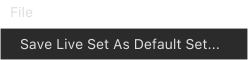
  3. 03Save it as the Default Setand it comes with every new project.In Ableton Live's File menu: Save Live Set As Default Set...
  4. ALREADY SETF is already setNothing to map.

Built with
the Squad community

BUILD WITH US: shape the device around what you need. We go through your feedback every day and ship updates right away, to make these the best devices on the market.

More about the Squad